


If this is your idea of
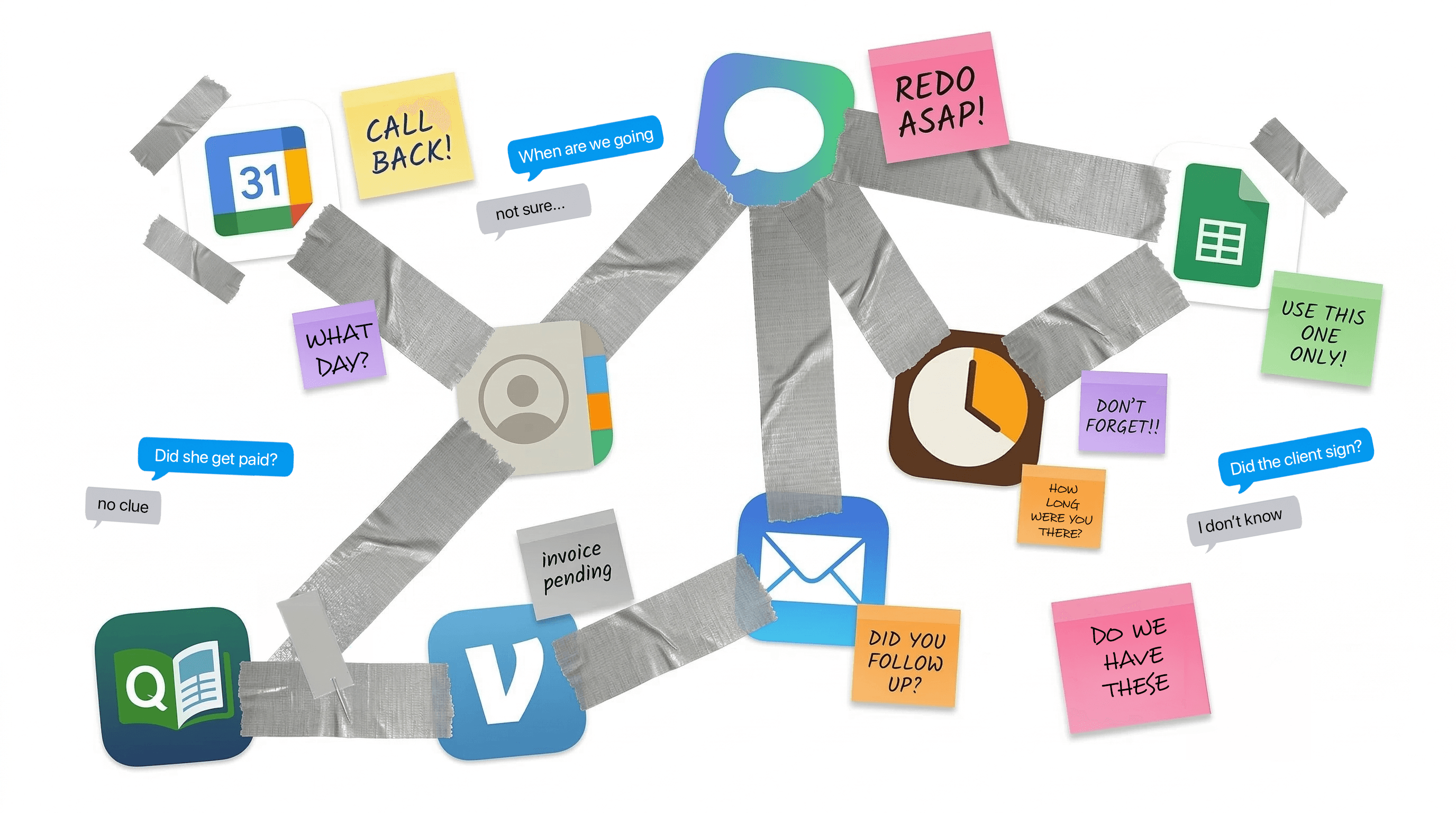
business management software…

Apps duct-taped together — calendars, spreadsheets, texts, sticky notes, and payment apps held together with tape

We fixed it.

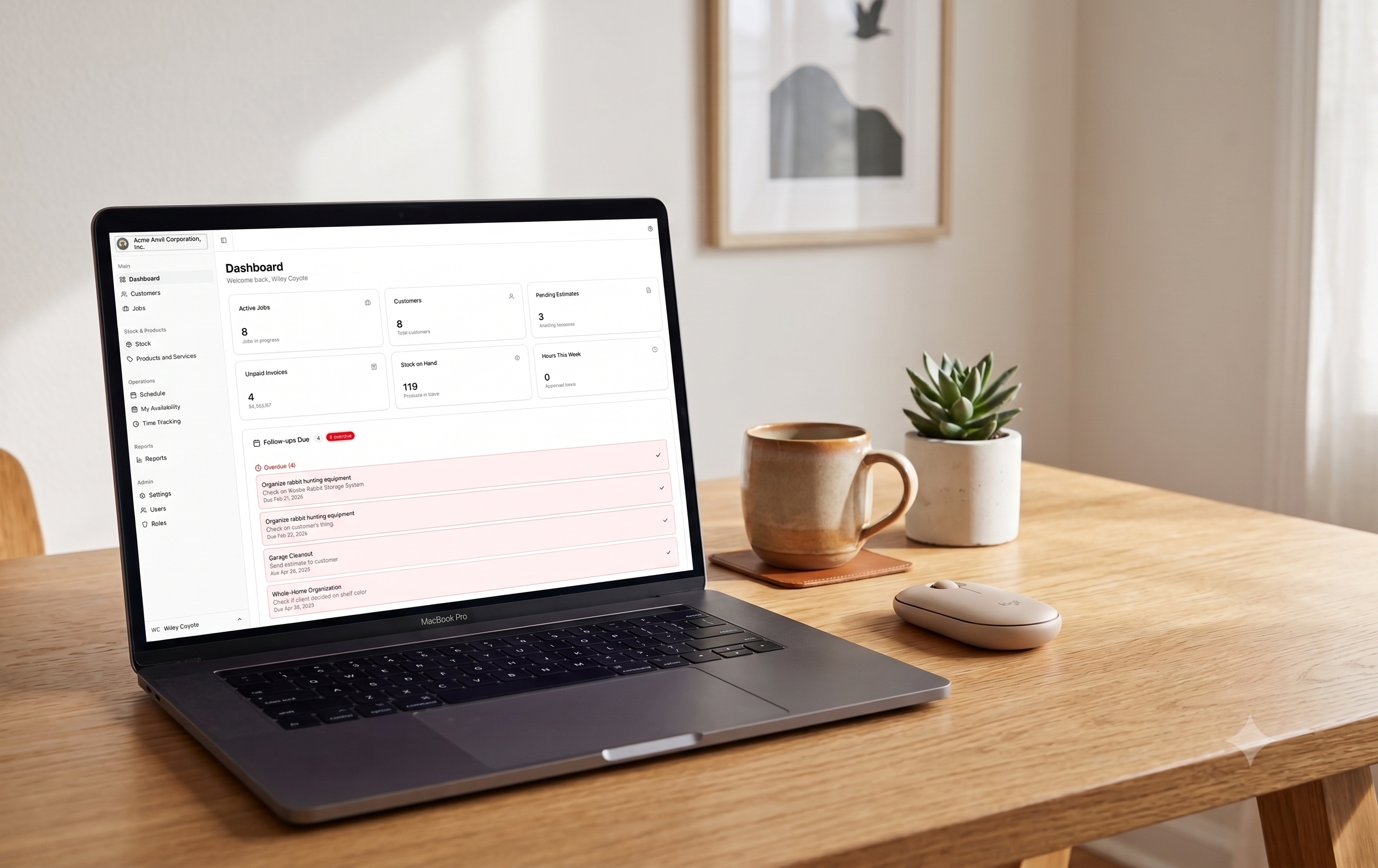
Meet Portara, the business management software that works in jobs. Just like you.

See how →

If this sounds like your business, keep reading.

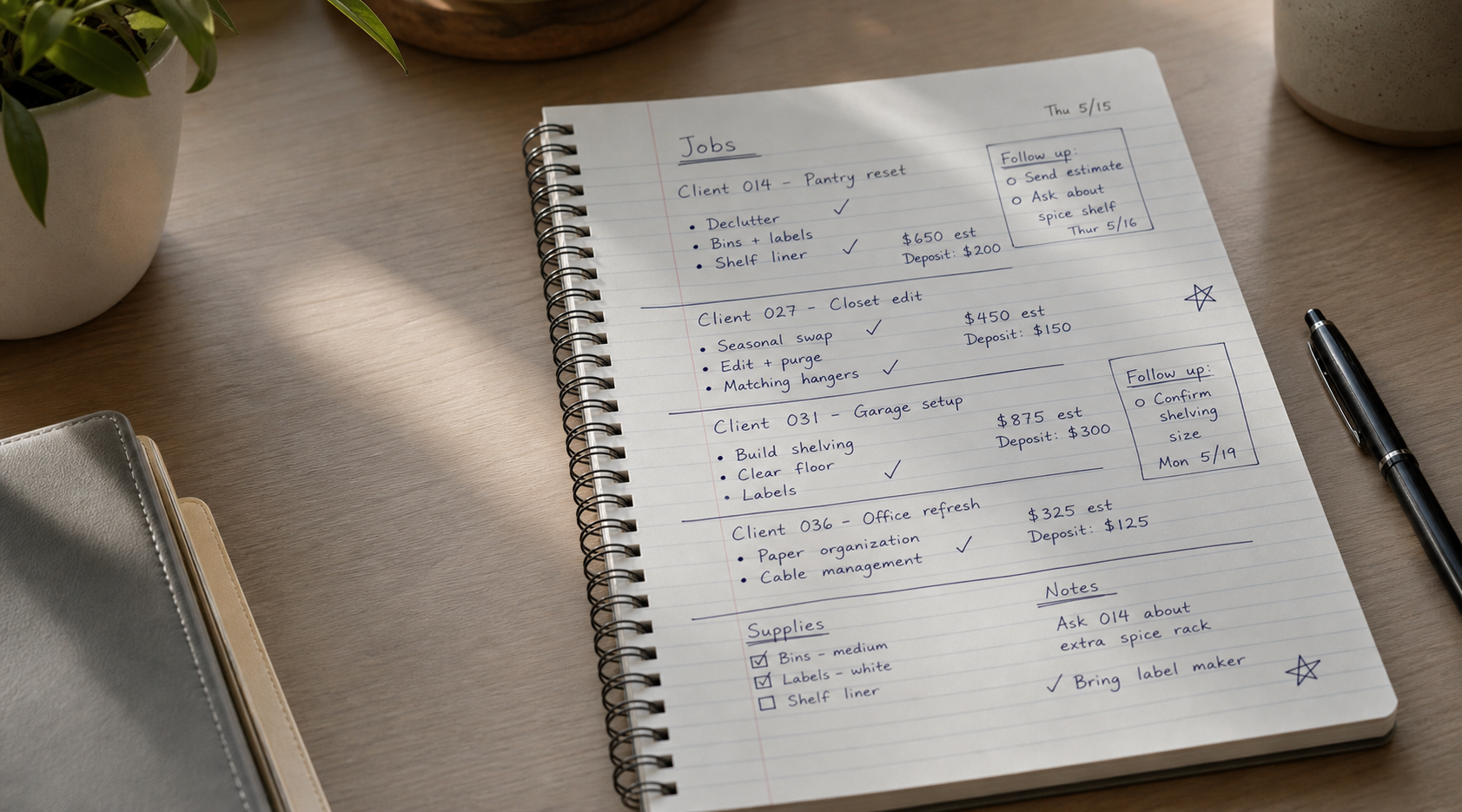
You have jobs at different locations
You send estimates, invoices and collect payments
You schedule and coordinate people
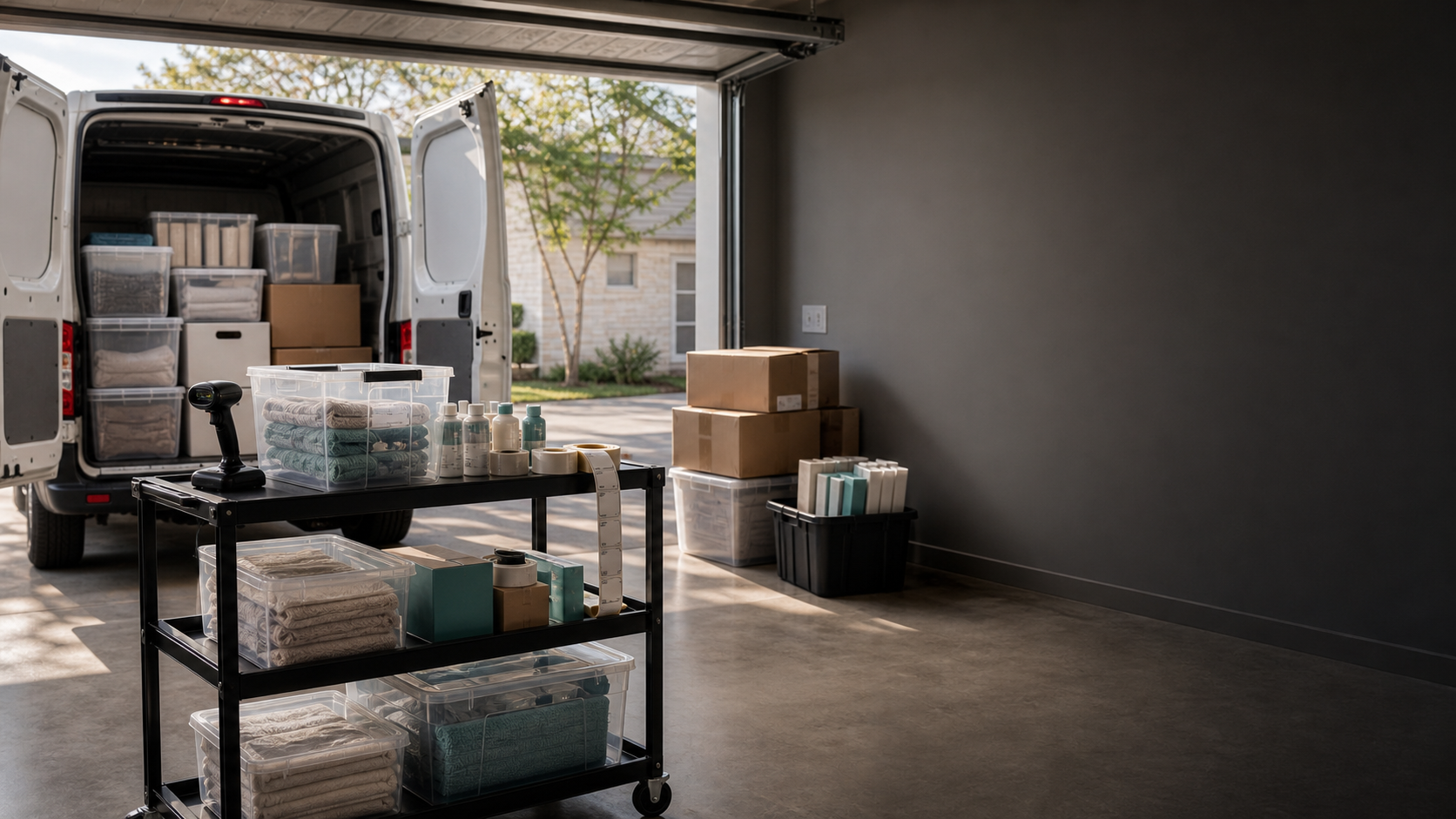
You buy, track or manage products or supplies
You’re tired of software designed for someone else’s business

Who uses Portara

Professional OrganizersHome StagersInterior DesignersEvent PlannersWedding VendorsPersonal StylistsWardrobe ConsultantsCaterersHouse CleanersLandscape Designers

Watch to see why Portara is better

Jobs

Stop juggling apps for every job.

One job. Everything in it.

Customers, estimates, items, schedules, invoices, payments. All in one place. Open a job and see the full picture.

  • Customer and location details
  • Estimates and invoices, status of payments
  • Team schedules and assignments
  • All products and materials used on the job
  • Share notes and photos with the team
app.getportara.com
GIF #1 — Job Detail View
A complete job with all related data
GIF #1 — Job Detail Mobile
Full job details on your phone
Estimates

Estimates, contracts, signatures and deposits in a few clicks.

Get jobs approved fast.

Create professional estimates with labor and product items. Send out for signature and a deposit all at once.

  • Labor and product line items
  • E-signatures with full audit trail
  • Deposit collection via Square or Stripe
  • Custom branding and styles
app.getportara.com
GIF #2 — Estimate Flow
Estimate creation to customer signature
GIF #2 — Estimate Mobile
Customer signing an estimate on their phone
Scheduling

Stop the back-and-forth texting with your team.

Smart scheduling that handles availability for you.

Pick a date, send it out to your team, they tap to accept. Done.

  • Customer and staff reminders
  • Staff availability tracking
  • Offer work to staff, they tap to accept or decline
  • Google Calendar sync
app.getportara.com
GIF #3 — Schedule / Team View
Team scheduling and job assignments
GIF #3 — Schedule Mobile
Viewing schedule and responding to offers
Inventory & Products

Never lose track of what you bought.

Know what you have. Where it is. What it cost.

AI scans your receipts, track items from store, to job, to storage, or back to the store.

  • Track items from the time they're purchased
  • AI receipt scanning
  • Barcode scanning
  • Multiple storage locations
  • Easily transfer and track products
app.getportara.com
GIF #4 — Inventory Desktop
Managing inventory across locations
GIF #4 — Inventory Mobile
Scanning receipts and managing stock on the go
Invoicing & Payments

Never lose track of items or labor.

The invoice writes itself. Get paid online or on the job.

Invoices pull from work performed and items used. Deposits and payments are already credited. Collect payment via Square, Stripe, Venmo or Zelle.

  • Invoices generated from the job items list
  • Deposits and payments already applied
  • Mini-statement on the invoice - clients don’t have to ask
  • Square, Stripe, Venmo and Zelle integrated
  • Easily accept payment on-site or online
app.getportara.com
GIF #5 — Invoice & Payment
Invoice creation and payment collection
GIF #5 — Invoice Mobile
Customer paying an invoice on their phone
Time Tracking & Payroll

Employees track their own time so you don’t have to.

Track time. Approve. Sync to payroll. Done.

Your team tracks their own time. Hours are tied to the job. When payday comes, approve and sync straight to Square Payroll (or send a report to your payroll provider). Wages, breaks and all.

  • Employees track their own time
  • Hours are synced to each job
  • Meal and rest break tracking
  • Approval workflow for managers
  • Square Payroll sync, or send a report to your own provider
app.getportara.com
GIF #6 — Time Tracking
Time entry and payroll sync
GIF #6 — Time Tracking Mobile
Clocking in and out from your phone
Reports

Everything you need to know.

All the numbers. Ready when you are.

Every job, payment, customer, item and hour worked - presented in real reports without extra work. Financial, payroll, tax, inventory and sales. All in one place.

  • Financial reports and job profitability
  • Payroll hours by employee and job
  • Outstanding estimates and sales totals
  • Tax summaries ready for your accountant
app.getportara.com
GIF #7 — Reports Dashboard
Business reports and analytics
GIF #7 — Reports Mobile
Checking reports on the go

Pricing

Two plans. Everything included.

No extras. No surprises.

MonthlyYearlySave 15%

Solo

$42/mo$49

Billed annually

Run your business on your own.

Choose Solo
  • 1 user
  • All features included
  • Jobs, estimates, invoices
  • Inventory & receipt scanning
  • Google Calendar & Drive
  • Works on any device
Most Popular

Teams

$85/mo$99

Billed annually

Everything in Solo, plus your whole team.

Choose Teams
  • Unlimited users
  • Team scheduling & job offers
  • Time tracking & approvals
  • Square Payroll sync
  • Employee briefings
  • Custom roles & permissions
  • Expense management

Both plans include: branded documents, email & SMS, barcode scanning, Stripe + Square payments, full reporting.

Questions? Answers.

What kinds of businesses use Portara?
Professional organizers, home stagers, interior designers, event planners, wedding vendors, personal stylists, wardrobe consultants, caterers, house cleaners, landscape designers - anyone who works on jobs at different locations and deals with staff, products and supplies.
How long does it take to get started?
Minutes. Sign up, add your business info and start creating jobs. Customize it now or use it out-of-the-box. You'll be up and running in no time.
Do I need to install anything?
Nope. Portara works in your browser and saves to your phone's home screen like an app. No app store required.
Can my employees use it too?
Yes. Add unlimited team members on the Teams plan. They get their own login with access to schedules, time tracking, and job details based on their role.
Does it work offline?
Yes. Portara saves data locally on your device so you can view schedules, track time, and work on jobs even without a connection. Everything syncs automatically when you're back online.
Do my customers need an account to view estimates or pay?
No. Customers get a simple link. They can view, sign, and pay without creating an account.
What payment methods can my customers use?
Stripe for online payments, Square tap-to-pay for collecting in person, plus Venmo, Zelle, cash, and check.
Can I import my existing customers?
Yes. CSV import is built in. Upload your list and you're up and running.
Is my data secure?
Your data is always encrypted. We use enterprise-grade hosting with automatic backups, DDoS protection, and SOC 2 compliant infrastructure. We never share or sell your information.
Can I switch plans later?
Yes. Upgrade or downgrade anytime. Changes are prorated so you only pay for what you use.

Spend less time managing software. More time on everything else.

Your business should work the way you think.